Step 1: Go to Analytics, and select the shift hours tab.
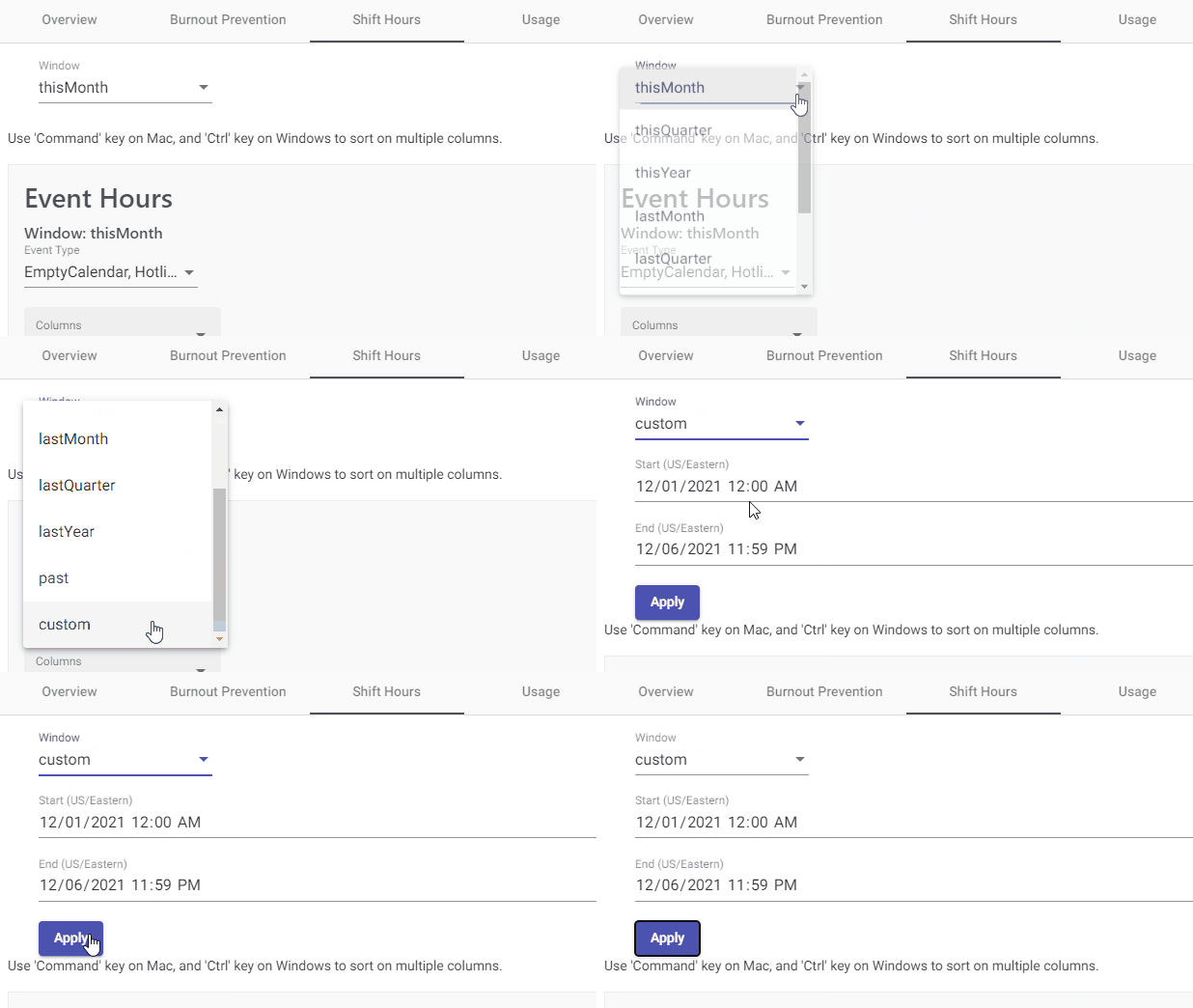
Step 2: Select the timeframe you'd like to get a report for. Most reports are already ready for you. For example, if you want to see a report shift hours for this month, last month, this year etc., you can just select that option, and download your report. If you'd like to access a custom report just follow the video below.
Comments
0 comments
Please sign in to leave a comment.